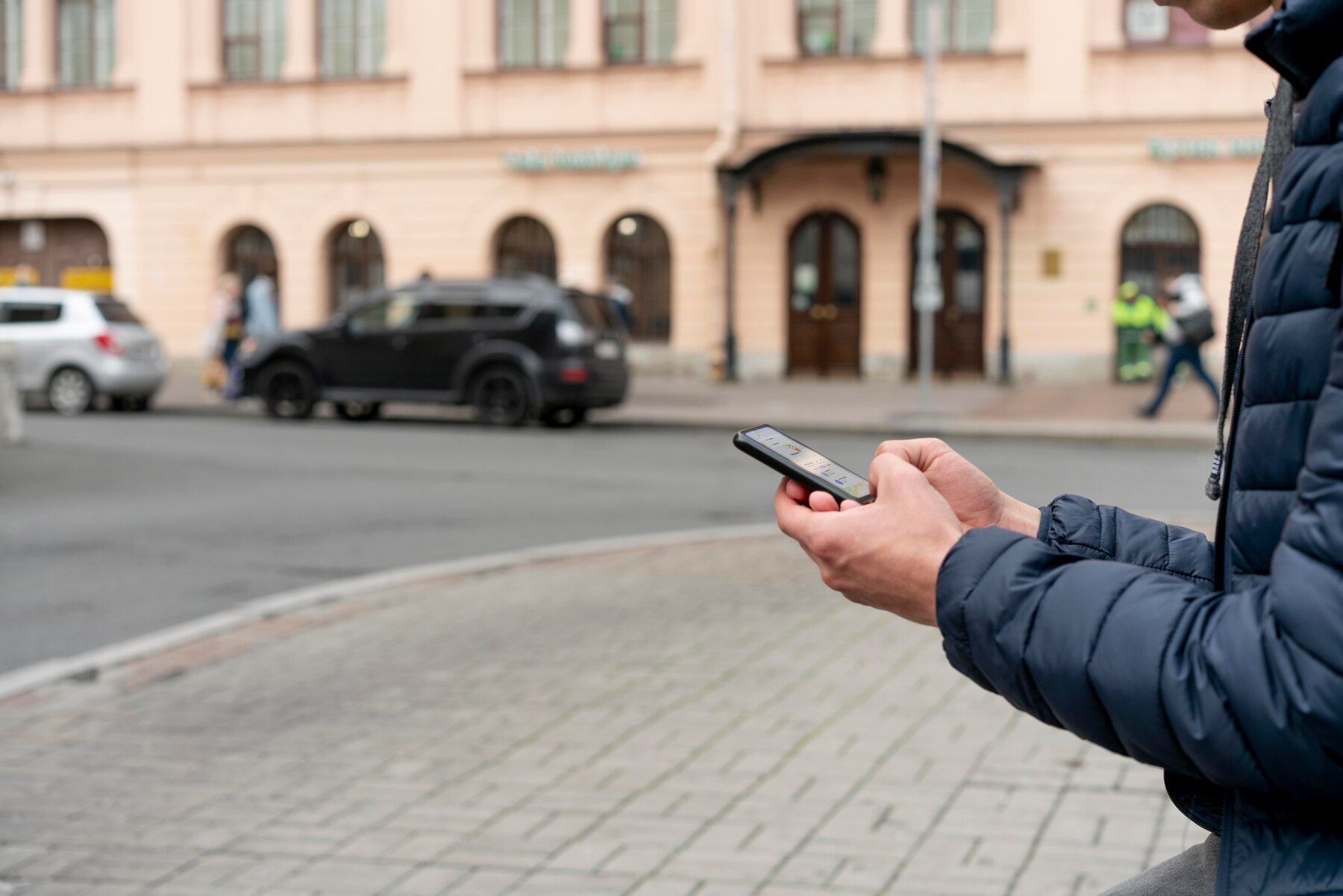
5 tips for a stable connection: how to improve mobile signal on iPhone and Android
Situations where your mobile signal disappears in familiar places can be very unpleasant.
However, do not despair because several simple ways can help improve the situation.
The first option is to activate and deactivate the airplane mode on your smartphone. This will allow the device to reconnect to the mobile network, potentially restoring the signal.
Another effective method is to switch from automatic network selection to manual. This will allow you to select a specific network, for example, 4G or 3G, which may work more stably in your area. Usually, this option can be found in the smartphone settings.
Please note that various materials can block mobile signals. For example, concrete and metal can significantly reduce the quality of reception. If you find yourself indoors with such obstacles, try to go outside or to an open space where the signal will be better.
It is also essential to consider that in places with a large number of people, such as concerts or sporting events, the network may become overloaded, leading to an unstable connection. In such cases, it is worth going out into the fresh air or avoiding crowds to improve the signal quality.
Try these simple tips, and your connection will become more reliable.
We remind you that communicating with artificial intelligence, such as ChatGPT, may have psychological consequences for individuals. We also inform you that, as of June 1, 2025, WhatsApp will no longer support specific smartphone models.